 Tasselline | Latest Articles By Singaporeans, for Singaporeans Article Site for Singaporeans
Buying an office photocopier takes more thought than comparing prices. One model might be cheap to buy but expensive to run. Another might have features your team will hardly touch. The best photocopier for small business use is one that handles everyday printing without creating extra costs or slowing people down. Align Plus Group is one supplier businesses can consider while comparing their options.
Start With Your Business's Printing Needs
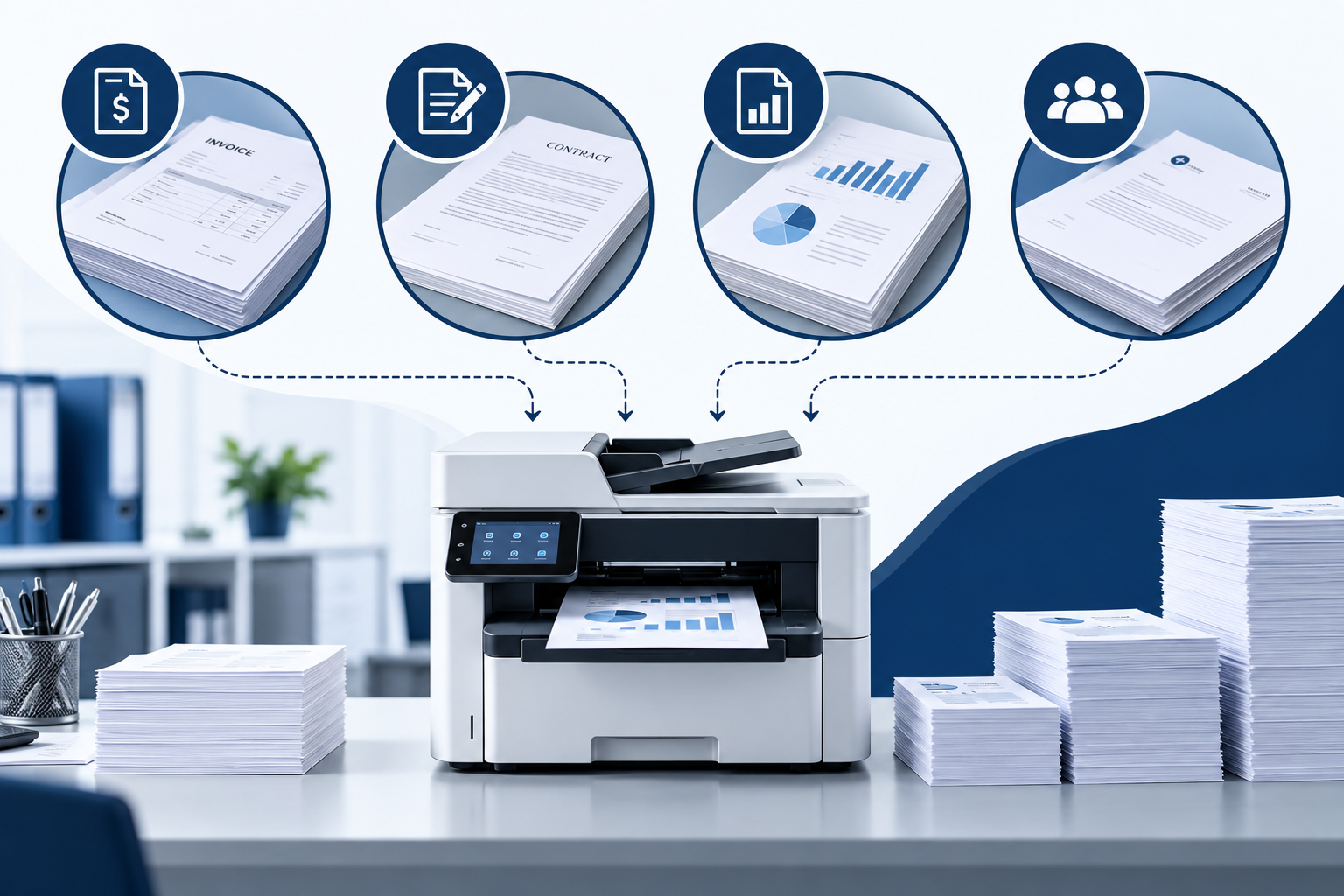
Think about what your staff print during a normal working week. Invoices, contracts, reports and client documents all add to the monthly total. Some offices get by with a few hundred pages, while others need to print several thousand. That difference matters when choosing a machine.
Check Your Monthly Printing Volume
Pick a photocopier that can handle your usual workload without being pushed to its limit. Look at the manufacturer's recommended monthly volume and compare it with your actual usage. The maximum duty cycle is worth checking, but it should not be your only guide.
A photocopy machine that runs near its limit month after month may need more attention as parts wear down. Leave some breathing room, especially if your business gets busy at certain times. Month-end reports, bulk invoices and new client projects can quickly increase the number of pages you print.
Choose a Speed That Fits Your Workday
A fast machine is useful when several people need documents at the same time. Nobody wants to stand around waiting for a large report to finish printing, particularly when a deadline is close.
Still, the fastest commercial copy machine is not automatically the right one for a small office. Check the print speed, but look at other details too. How long does it take to start printing? Can it scan a stack of documents without someone feeding in each page? Small conveniences like these can make daily tasks much easier.
Compare Features That Matter
Pay for the functions your team needs, not every feature a manufacturer offers. Printing and copying may be enough for some offices. Others regularly scan signed forms, send files to colleagues or print from different devices. Your usual workload should guide the decision.
Decide Which Multifunction Features You Need
A multifunction photocopier combines printing, copying and scanning in one machine. That can be handy when desk space is limited, or staff handle paperwork throughout the day.
When you’re picking a photocopier for your small business, focus on features that actually make your workday smoother. For example, an automatic document feeder is a lifesaver for handling big batches of paperwork. Double-sided printing? Great for saving paper and, honestly, just less hassle. Align Plus Group helps you compare machines based on what you really need in the office—not just whatever sounds good on a spec sheet.
Check Connectivity and Paper Handling
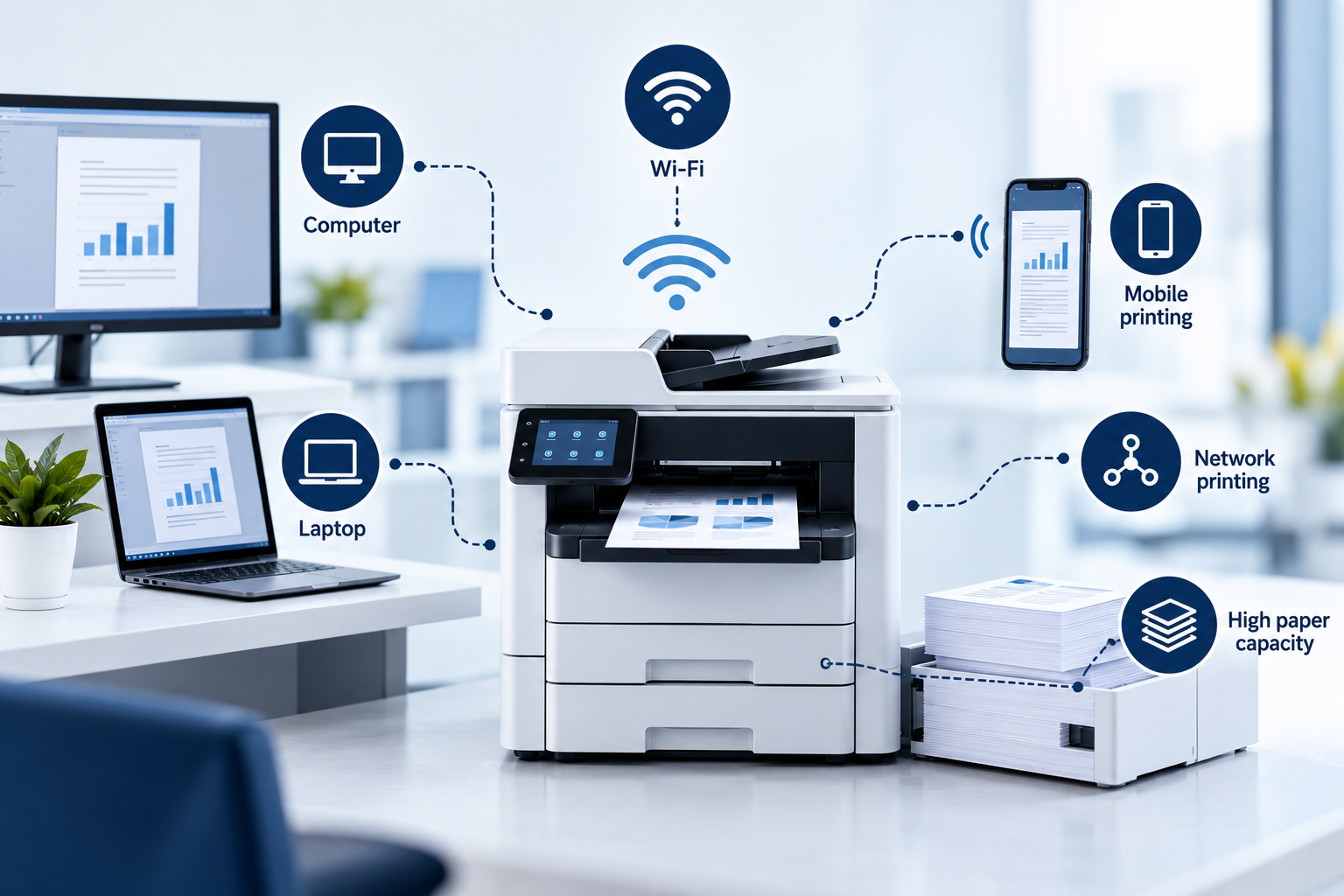
Don’t forget to check how the copier connects to your other devices. Your team should be able to print straight from whatever they’re already using. If you’ve got several people sharing one copier, network printing is super handy. If your staff is always on the move or using laptops, Wi-Fi or mobile printing just makes sense.
Calculate the Real Cost of Ownership
The amount you pay upfront does not tell you what the machine will cost over the next few years. Toner, paper, replacement parts and servicing all contribute to the final bill. Check these expenses before settling on a model.
Compare Running Costs and Consumables
Look at toner prices and how many pages each cartridge is expected to print. A photocopy machine with a low purchase price may turn out to be expensive if the toner needs frequent replacement.
Compare the estimated cost per page, too. When looking at a commercial copy machine, ask whether the quoted running costs include maintenance or whether servicing is charged separately. These details can make two similarly priced machines very different in the long run.
Buying Versus Renting a Photocopier
Buying gives you ownership of the machine and may work out well if your office has steady printing needs. Renting avoids a large upfront payment and may include servicing, depending on the agreement.
Before signing up for photocopy machine rental, read the contract rather than relying on the advertised monthly rate. Check what happens when the toner runs out, the machine breaks down, or your printing volume exceeds the agreed allowance.
When comparing photocopier rental costs, ask about deposits, service fees, excess printing charges and early termination penalties. A low monthly payment is less attractive when basic repairs cost extra. Get the full list of charges before making a decision.
Check Maintenance and Office Space
A photocopier needs somewhere to go, and someone needs to keep it running. Both points deserve attention before you place an order. A machine that fits the budget but blocks a walkway or takes days to repair can become a nuisance.
Plan for Servicing, Access and Future Needs
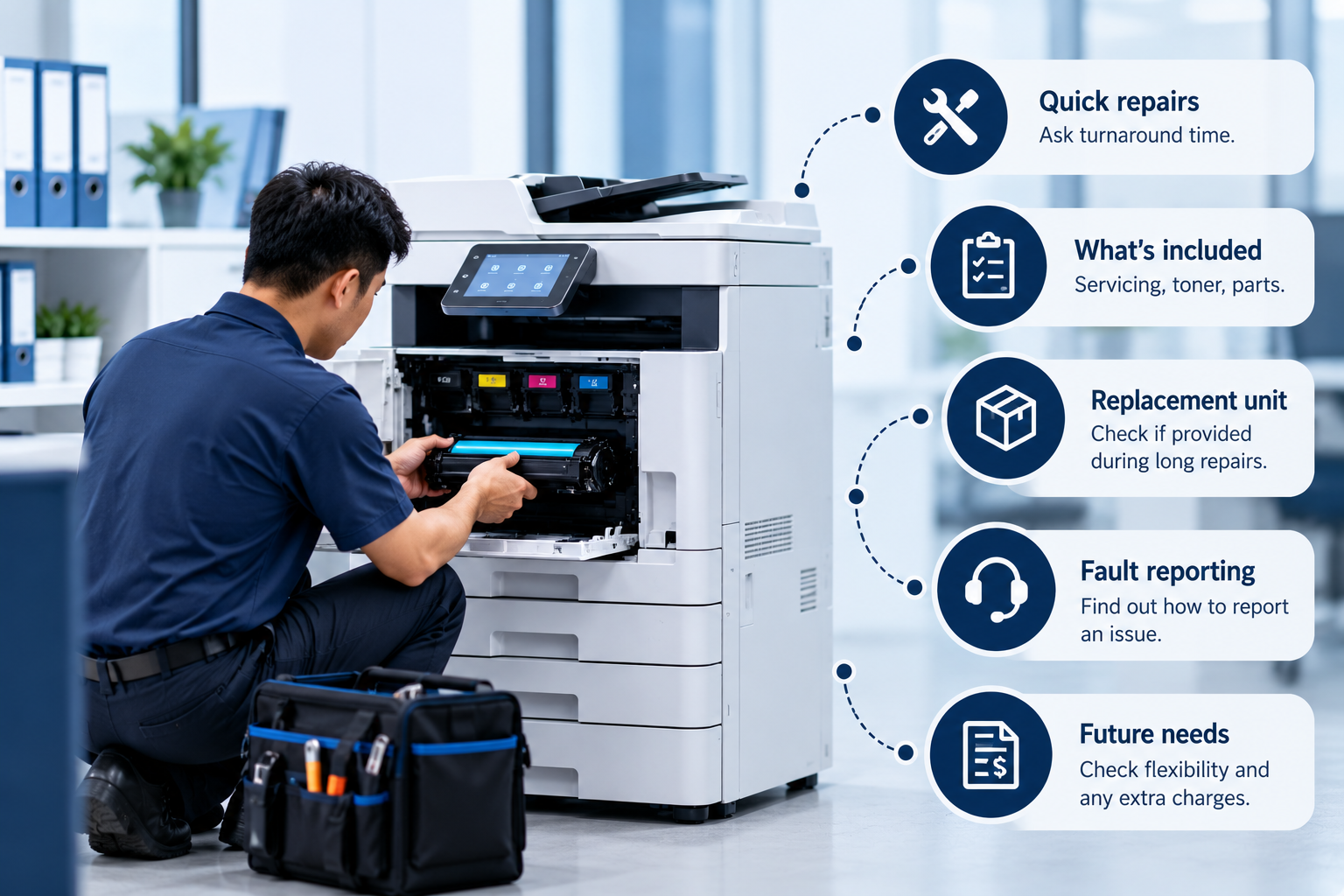
Ask the supplier how quickly repairs are usually arranged and which services are included. If your team relies on printed paperwork, even a short breakdown can disrupt the working day.
For photocopier rental in Singapore, check whether the agreement covers routine servicing, toner and replacement equipment during a lengthy repair. Anyone comparing photocopy machine rental plans should also ask how to report a fault and whether there are extra charges for service visits.
Measure the space before the machine arrives. Allow room to open the trays, load paper and replace toner without moving furniture around. A photocopy machine may look small in a product photo but needs more space once everything is open.
Think about what your office might need next year, too. A growing team could need a larger paper tray or a machine that handles more pages. When comparing copier rental in Singapore options, ask whether you can upgrade later and what that change would cost.
Before making a decision, run through this checklist:
-
Estimate how many pages your team prints each month.
-
Check speed, scanning functions and paper capacity.
-
Compare toner prices and the cost per page.
-
Find out which repairs and servicing are included.
-
Measure the space available for installation and access.
-
Check the contract for extra charges and upgrade terms.
A commercial copy machine should suit your office's workload, not just look impressive on a specification sheet. When checking photocopier rental costs, include service fees and any charges that may appear later.
The best photocopier for small business use is one that meets your needs without making routine office work harder. Align Plus Group is one option to explore when comparing photocopiers and support arrangements.